

View outbound trunk credentials#
View the SIP digest credentials and DIDWW signaling endpoints for a trunk that uses Credentials & IP-Based authentication.
Before you begin#
An active DIDWW account is required. Sign in to DIDWW.
An existing outbound trunk using Credentials & IP-Based authentication is required. Create an outbound trunk or Edit an outbound trunk if you need to create or switch to this method.
Step 1: Open the SIP Credentials window#
In the DIDWW User Panel, go to Voice > Outbound Trunks.
Locate the trunk and click the key icon in the Credentials column.
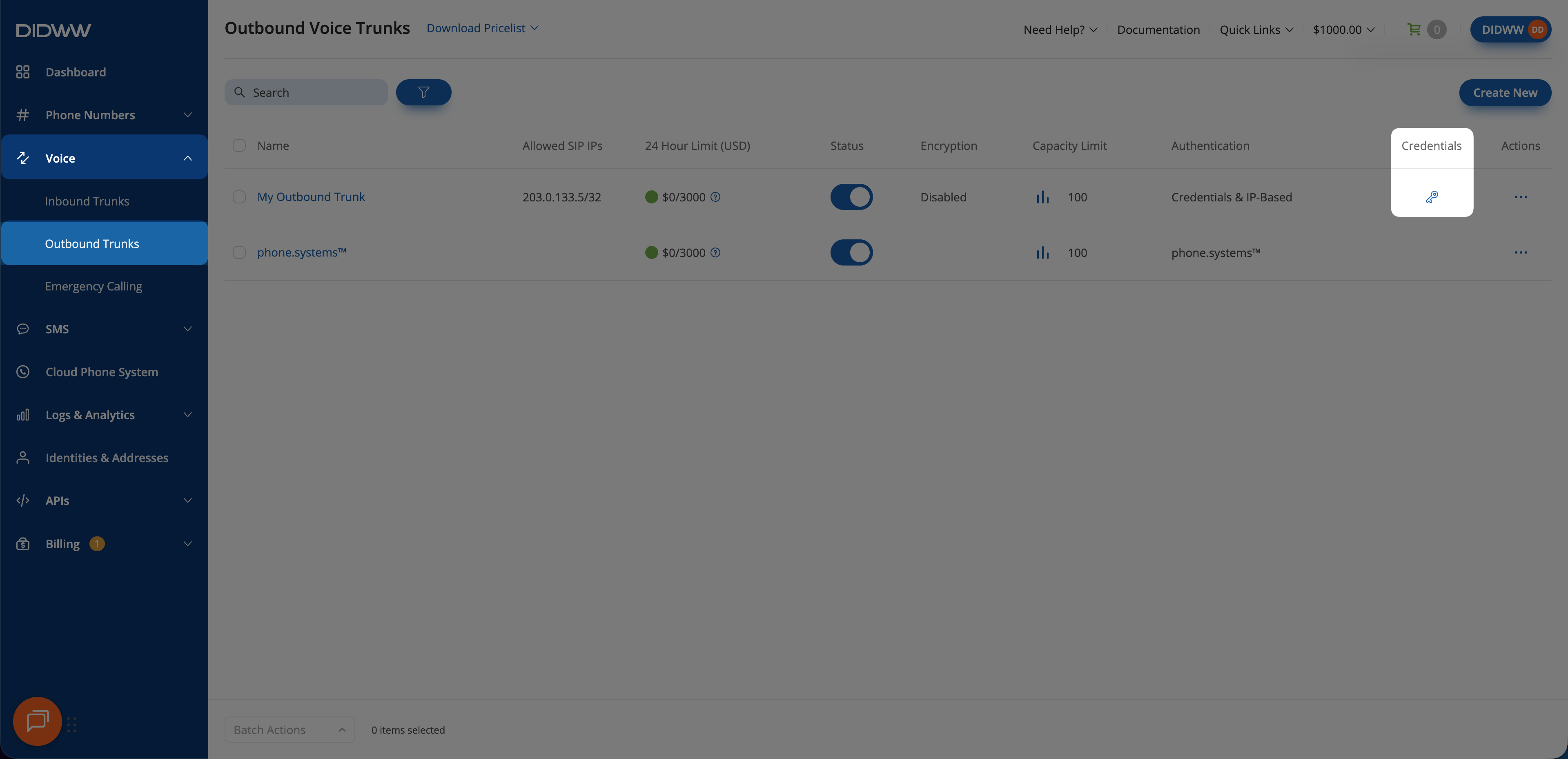
Fig. 1. Open the SIP Credentials window#
Step 2: Copy the credentials#
Copy the Username and Password values. Click the eye icon to reveal the password.
Warning
Treat the password as a secret. If it is exposed, Regenerate outbound trunk credentials.
Field definitions are listed in Credentials window fields in the Outbound trunk reference, and endpoint selection and the fixed digest realm are covered in Outbound SIP information.
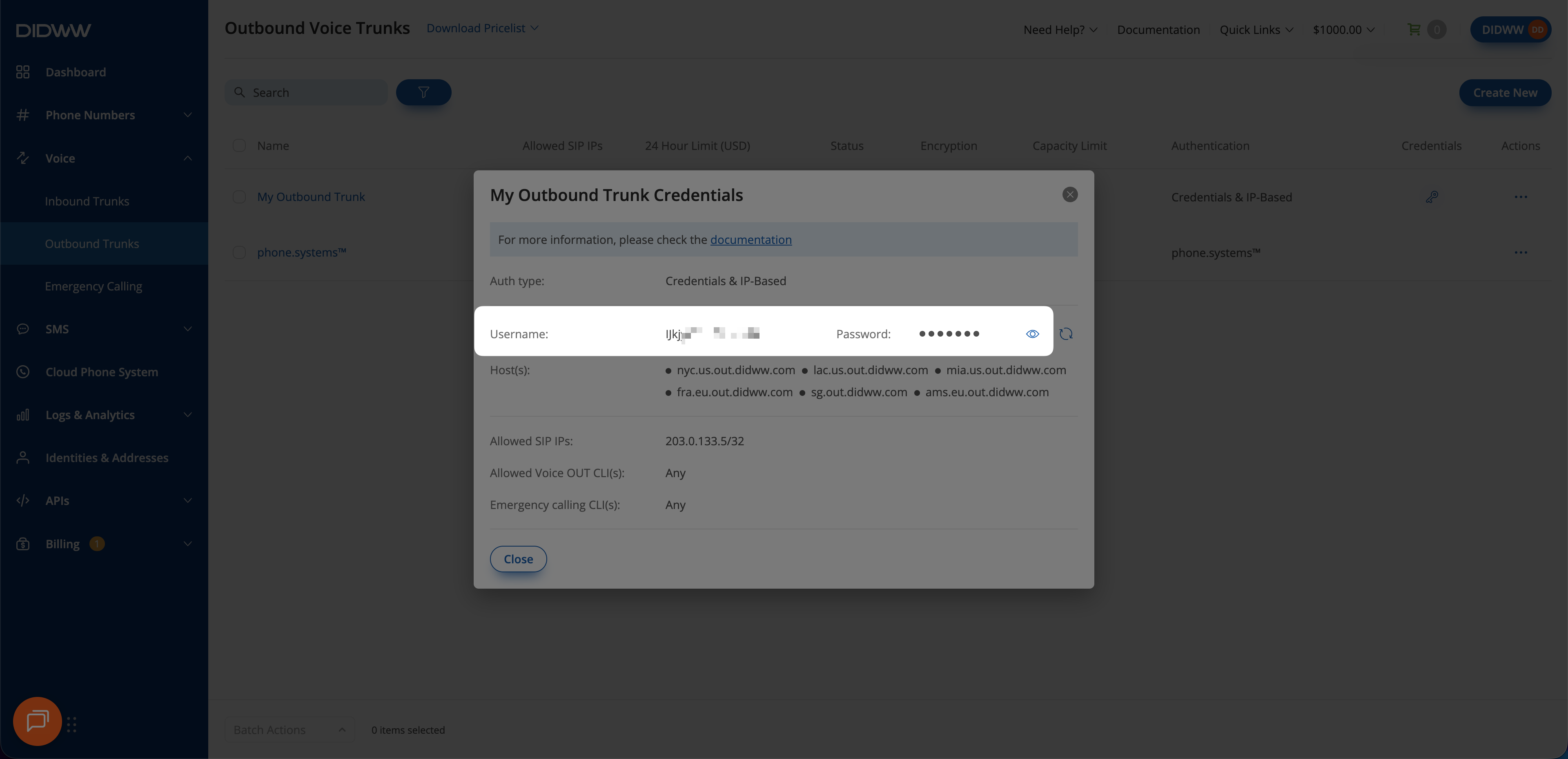
Fig. 2. Copy the credentials#