

Enable or disable an outbound trunk#
Use the Status toggle to stop or resume outbound traffic without deleting the trunk.
Before you begin#
An active DIDWW account is required. Sign in to DIDWW.
An existing outbound trunk is required. Create an outbound trunk if you do not have one yet.
Step 1: Locate the trunk#
In the DIDWW User Panel, go to Voice > Outbound Trunks and locate the trunk.
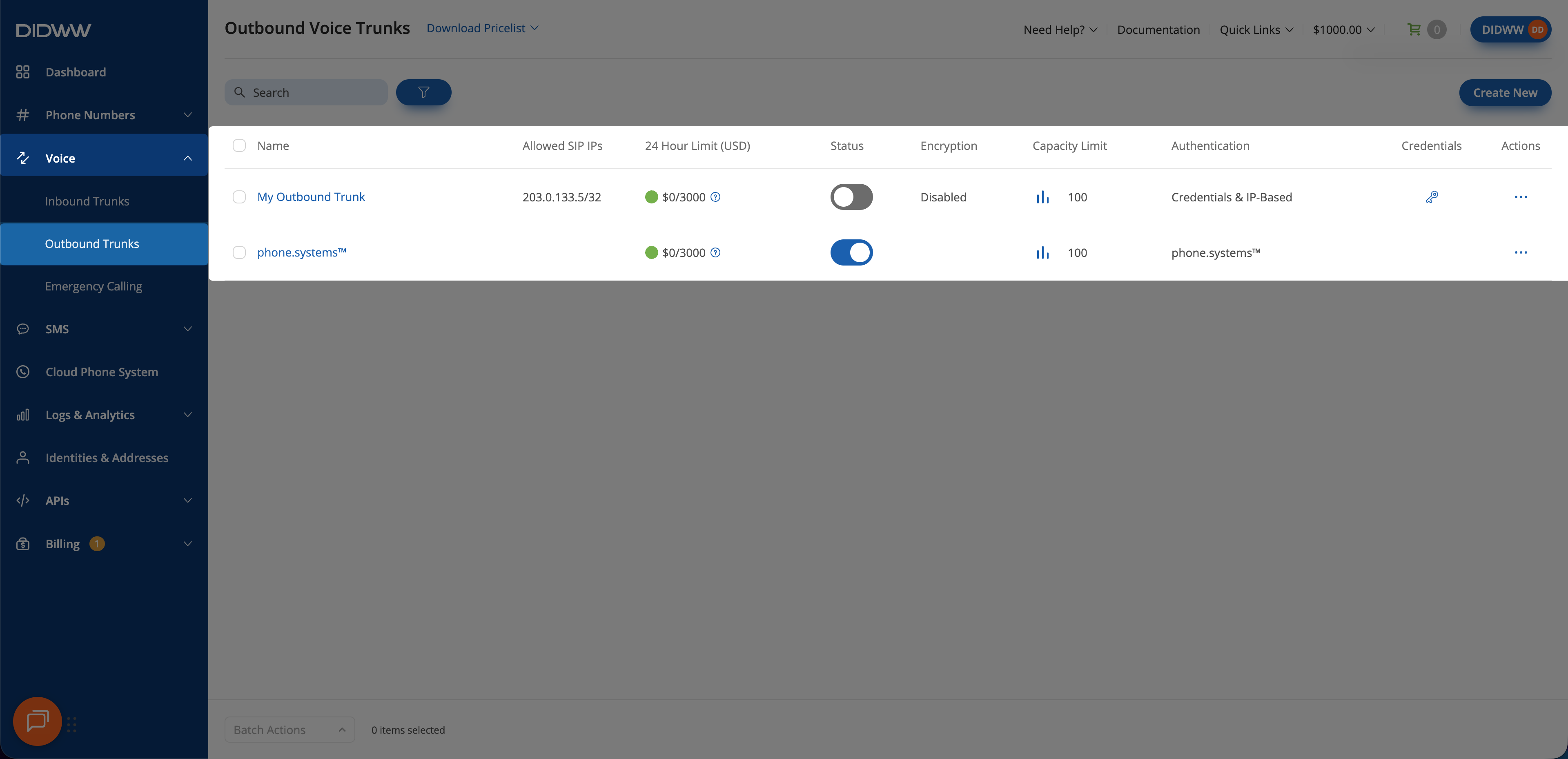
Fig. 1. Locate the trunk#
Step 2: Enable or disable the trunk#
Use the Status toggle to enable or disable the trunk. The action takes effect immediately.
Important
Disabling blocks all outbound calls through the trunk.
Status values in the Outbound trunk reference explain what each status means, including automatic disabling when the rolling 24-hour limit is reached.
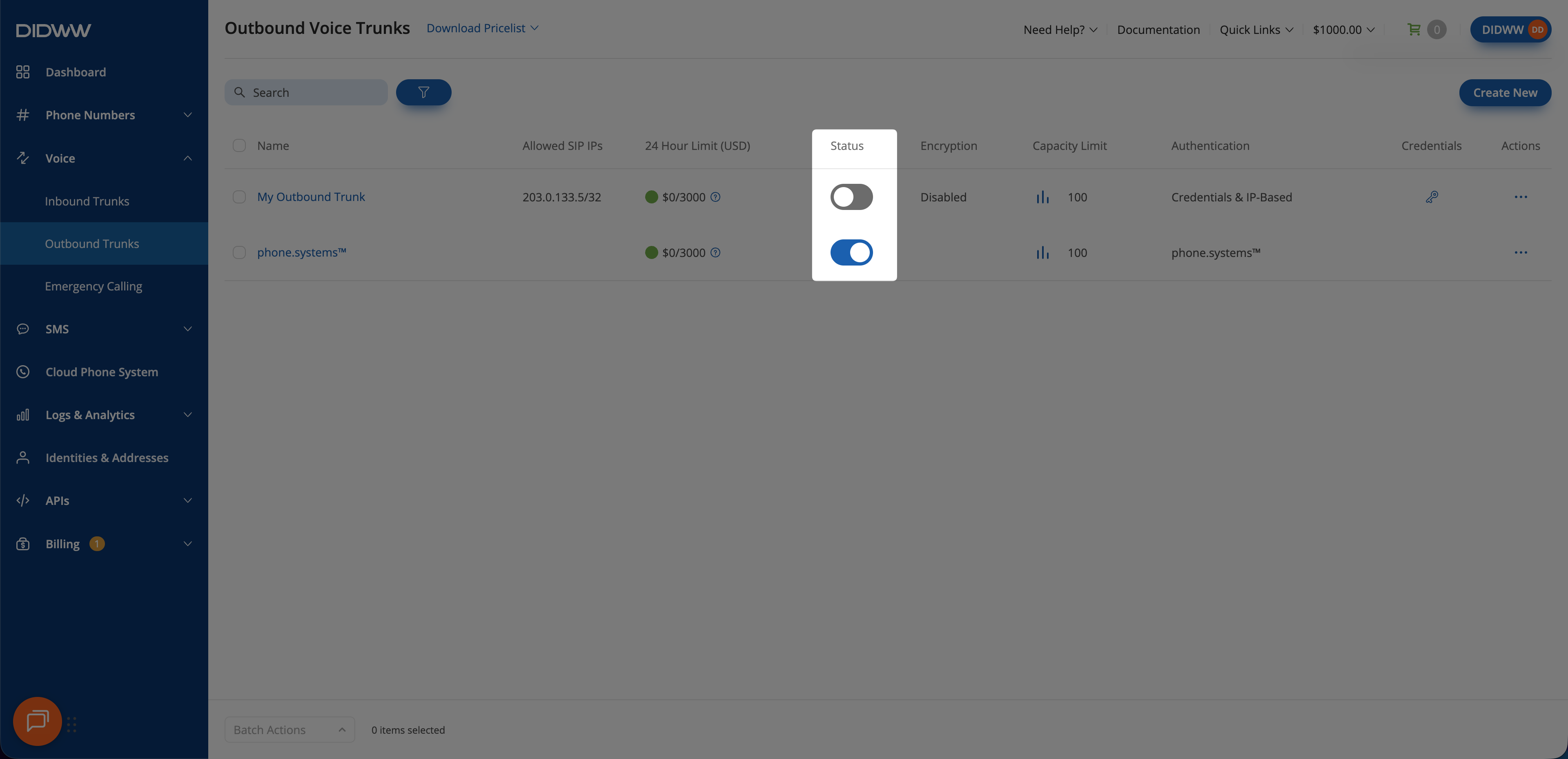
Fig. 2. Confirm disabling the trunk#