

View SIP registration credentials#
View the username, password, and registration endpoints generated by DIDWW
for an inbound SIP trunk that uses Dynamic Registration. Configure these
values on your SIP endpoint so it can authenticate its SIP REGISTER
requests. DIDWW then delivers incoming calls to the Contact address supplied
by the registered endpoint.
Before you begin#
An active DIDWW account is required. Sign in to DIDWW.
An existing SIP trunk using Dynamic Registration is required. See Create a SIP trunk if you need to create one.
Step 1: Open the trunk details#
In the DIDWW User Panel, go to Voice > Inbound Trunks.
Locate the Dynamic Registration trunk and click its name.
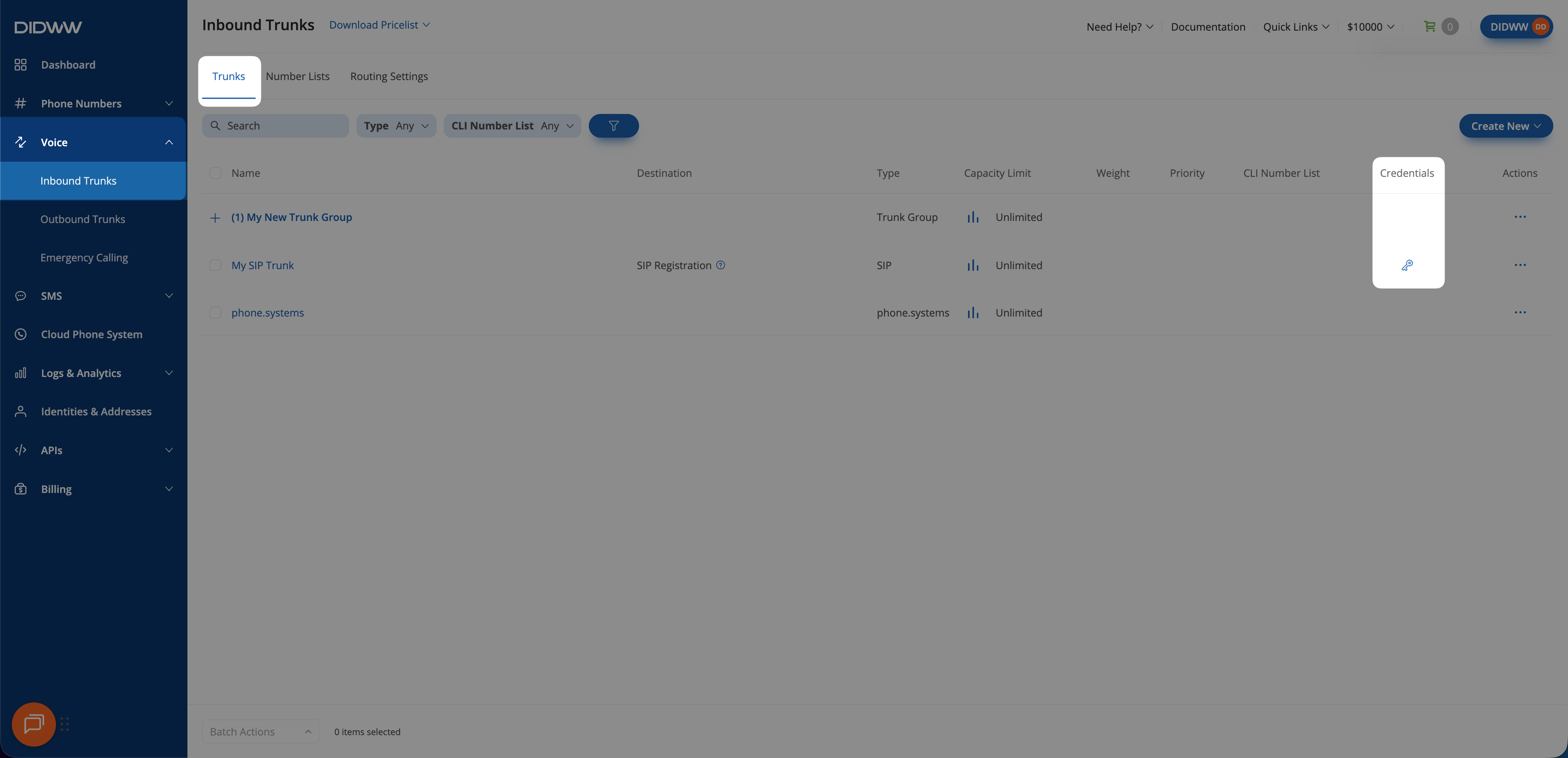
Fig. 1. Open the Dynamic Registration trunk details#
Step 2: Copy the registration details#
On the View Inbound SIP Trunk page, select General.
Copy the Username.
Use the copy icon beside Password to copy it. Click the eye icon if you need to reveal the password.
Use one of the hostnames listed under Registration Endpoints as the registrar on your SIP endpoint.
Important
The same credentials can be used by up to 10 simultaneously registered endpoints.
Field definitions are listed under Post-creation registration fields. For registrar hostnames, location selection, and IP addresses, see SIP Registrars.
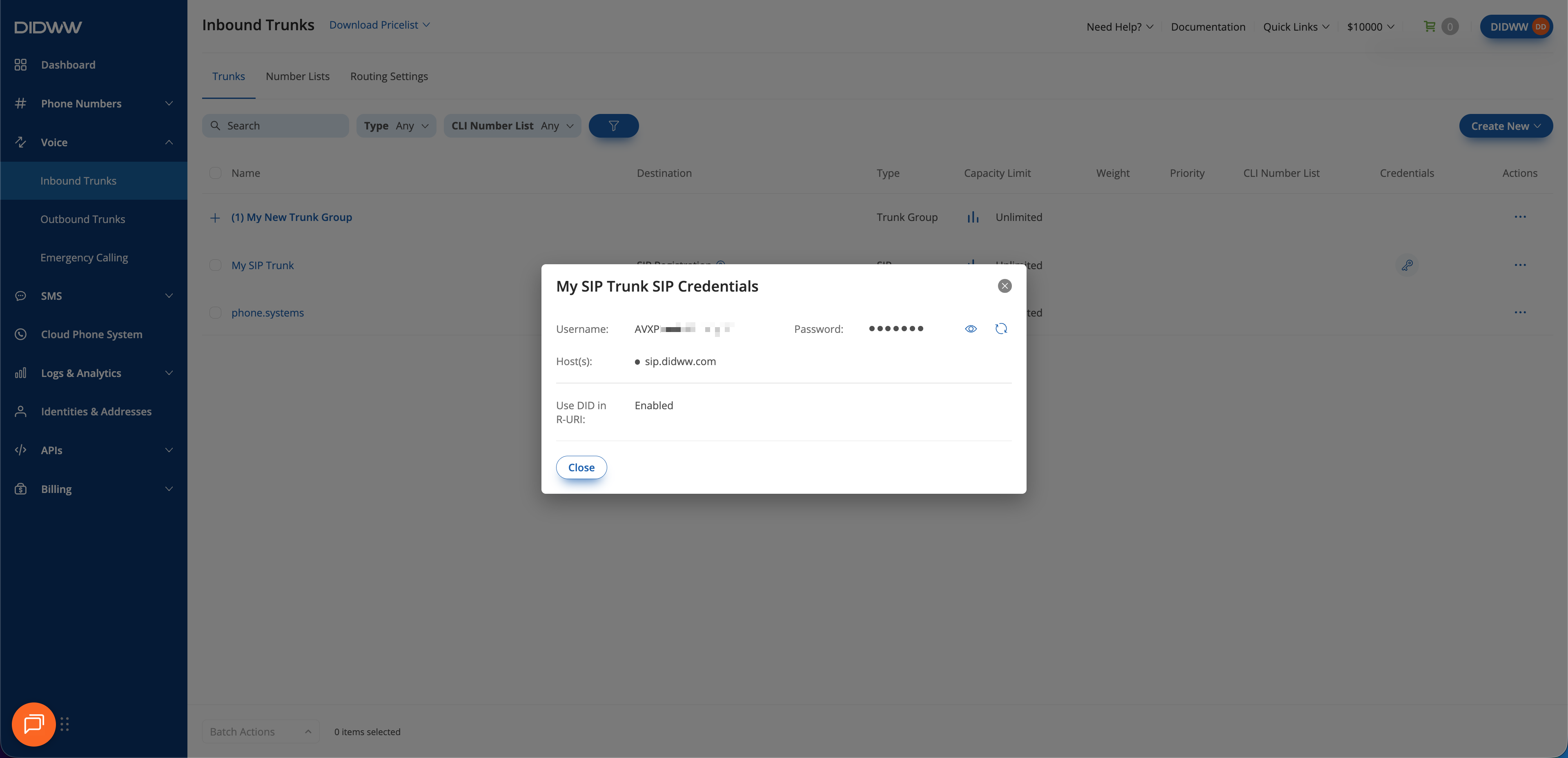
Fig. 2. View the registration credentials and endpoints#