

Withdraw referral commissions#
Withdraw approved referral commissions by submitting a bank transfer withdrawal request from the Referral Program page.
For background on pending and available earnings, withdrawal requirements, and other concepts, see How the referral program works and Referral program reference.
Before you begin#
Sign in to DIDWW as the account owner to submit a withdrawal request. Other roles do not have access to this action.
Make sure your account is enrolled in the Referral Program. If you have not joined, see Join the referral program.
Make sure your available earnings are at least the minimum withdrawal amount shown in the User Panel.
Step 1: Open the referral program page#
In the DIDWW User Panel, open the account dropdown menu.
Click Referral program.
Fig. 1. Open Referral Program from the account menu#
Step 2: Open the withdrawal modal#
Review the Available earnings tile and click Withdraw Now.
Note
Pending earnings are not included in available earnings and cannot be withdrawn until they become available. For additional information, see How the referral program works.
Referral withdrawal requests are created for your full available approved balance and cannot be adjusted.
Fig. 2. Available earnings and Withdraw Now button#
Step 3: Input your bank details#
Fill in the fields that apply to your bank.
Bank location |
Recommended bank details to provide |
|---|---|
EU, UK, and most international banks |
IBAN is usually sufficient. If your UK bank does not issue an IBAN, use Account number and Routing number / Short code instead. |
United States |
Account number and Routing number / Short code are usually required. |
Other non-IBAN countries |
Account number is usually required. Add SWIFT / BIC when available. |
International transfers that require additional bank details |
Provide IBAN or Account number, then add SWIFT / BIC, Bank name, and Bank address when your bank uses them for incoming transfers. |
Note
Beneficiary name and Bank country are pre-filled and read-only.
Beneficiary name is taken from your DIDWW account identity. To change it, Edit Identity.
Bank country is determined by your billing address. To change it, contact our billing team at billing@didww.com.
For descriptions and examples of each withdrawal modal field, see Withdraw commissions to bank account window fields.
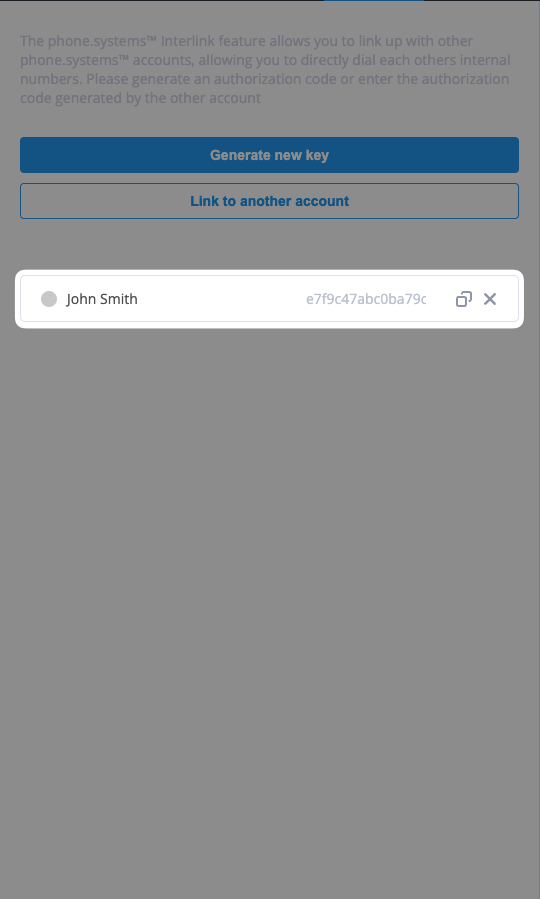
Fig. 3. Withdrawal form with bank details#
Step 4: Confirm withdrawal#
Click Confirm Withdrawal to initiate the withdrawal.
Note
Withdrawals typically take 3-5 business days to process. Our team will contact you if any required bank details are missing.
Fig. 4. Bank transfer details in the withdrawal form#
Step 5: Review withdrawal status#
After submitting a withdrawal request, review its status from the Withdrawals tab.
Go to Referral Program > Withdrawals.
Find the new withdrawal request in the withdrawal history.
Review the Status column.
Note
If the withdrawal gets rejected, review the reject reason by hovering your cursor on the comment icon next to the Rejected status. For status details, see Withdrawal statuses.
Fig. 5. Withdrawal history#