

Download pricelists#
Download DIDWW pricelists from the public pricing pages or from the DIDWW User Panel. Public pricelists provide general service pricing, while User Panel pricelists show pricing for services enabled on your account.
Pricelists from the DIDWW website#
Use the DIDWW website to get pricelists with general service pricing without signing in to the User Panel.
Step 1: Open a public pricing page#
Visit one of the pricing pages:
Step 2: Submit the pricelist request#
Fill in the form with the following information:
Full name
Company name
Email address
Optional: Select Subscribe me to news and updates.
Complete the reCAPTCHA.
Click Get pricelist.
A download link is sent to the email address entered in the form.
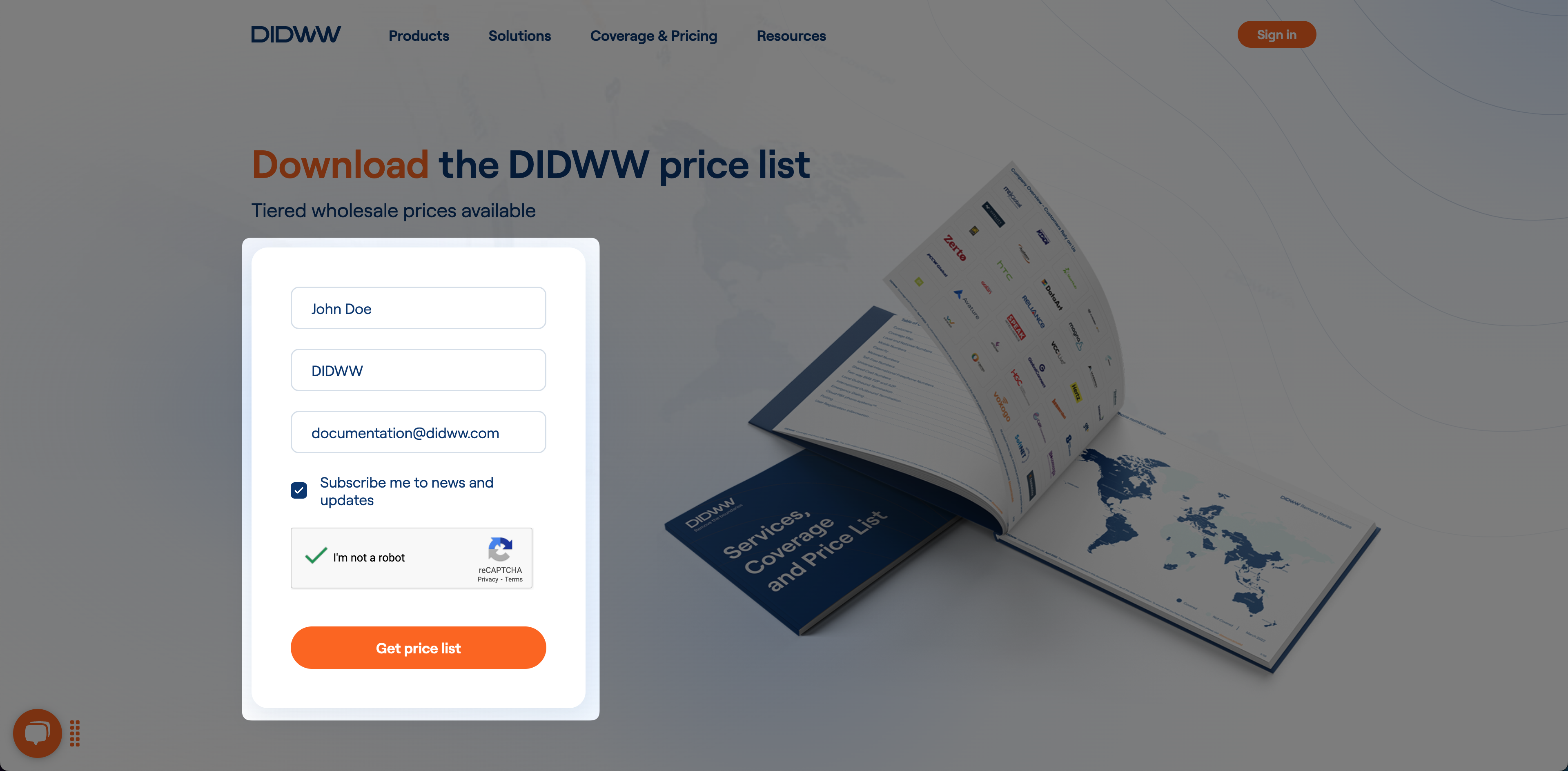
Fig. 1. Requesting a public pricelist.#
Pricelists from the User Panel#
Use User Panel pricelists when you need all pricelists available to your account, including additional pricelists for enabled services.
Step 1: Open Buy Numbers#
Sign in to the DIDWW User Panel. If you do not have an account, create a DIDWW account.
Go to Phone Numbers > Buy Numbers.
Step 2: Download a pricelist#
Click Download Pricelist.
Select the required pricelist from the dropdown.
Note
Large files may be sent to your account email address.
Only services enabled on your account have corresponding pricelists. For help, contact sales@didww.com.
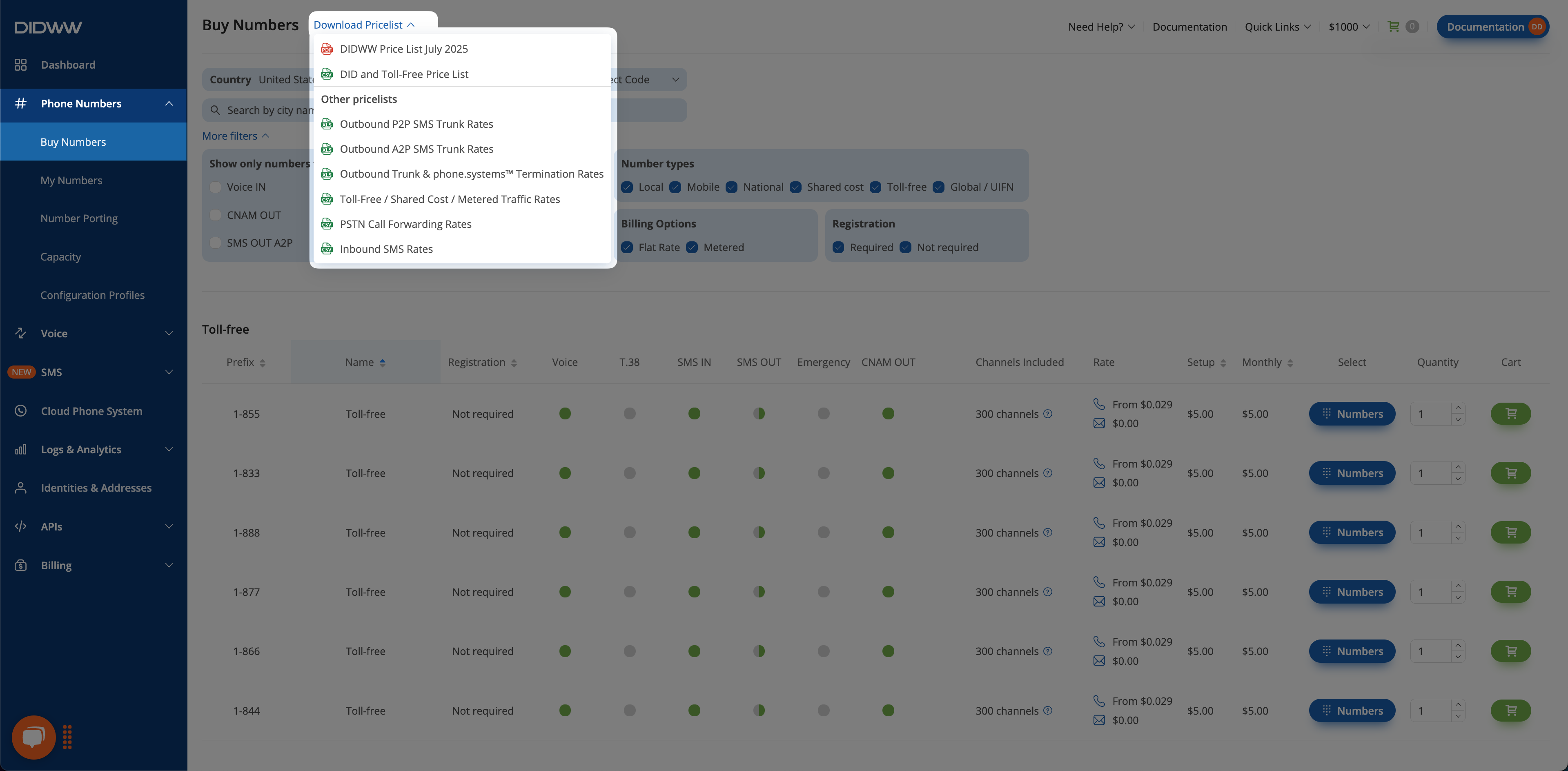
Fig. 2. Downloading User Panel pricelists.#