

Join the referral program#
Join the DIDWW Referral Program to receive a unique referral link that you can share with potential business customers to earn commission.
For background on commission rate, referral validity, referral lifecycle, and other concepts, see How the referral program works and Referral program reference.
Before you begin#
An active DIDWW account is required. Sign in to DIDWW or Create DIDWW account.
You must sign in as the account owner. Users with other roles cannot join the Referral Program.
Step 1: Open the referral program page#
In the DIDWW User Panel, open the account dropdown menu.
Click Referral program.
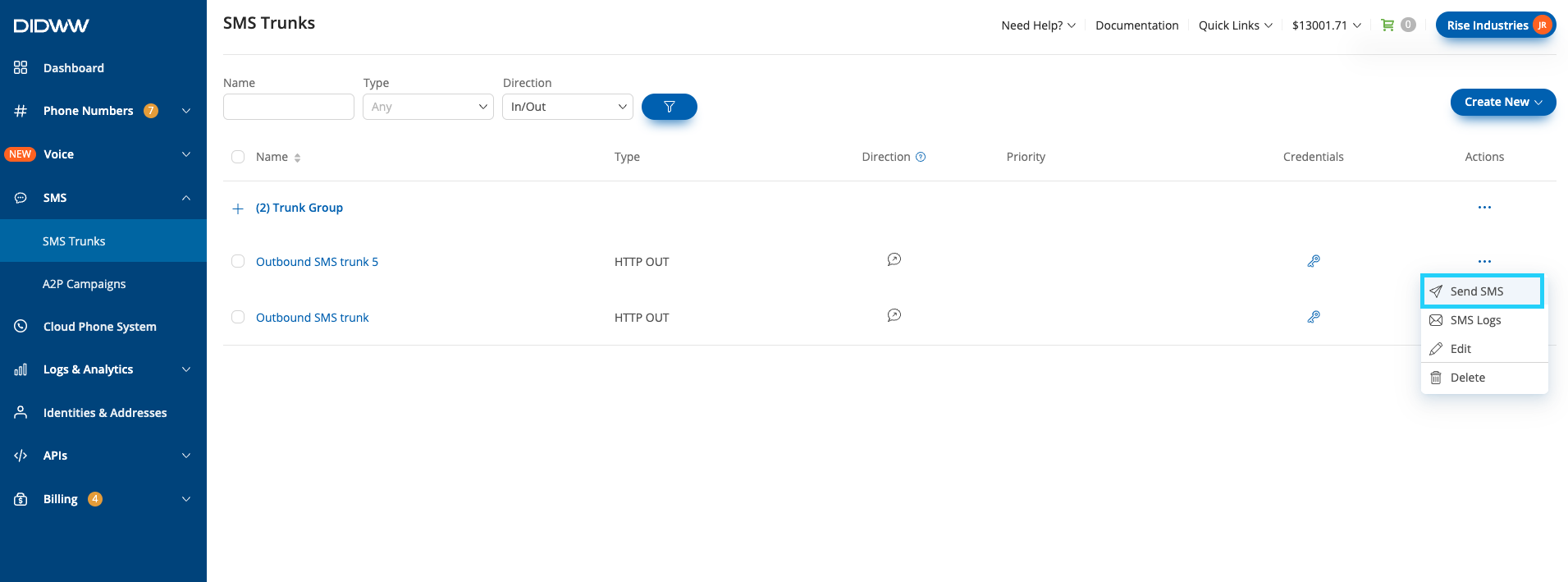
Fig. 1. Open Referral Program from the account menu#
Step 2: Join the referral program#
On the Referral Program page, review the commission rate and program details.
Click Join Program.
Note
You will be asked to complete identity verification if your account is not yet verified.
You will be asked to upgrade your account to a business account if your account is currently personal.
Fig. 2. Referral Program page before enrollment#
Step 3: Accept the terms & conditions#
In the Partner Referral Programme — Key Commercial Terms modal, review the program terms and conditions. See Partner Referral Programme Agreement.
If you agree, select the confirmation checkbox and click Agree & Continue.
Fig. 3. Referral Program Terms & Conditions#
Step 4: Copy and share your referral link#
After enrollment, the Referral Program page opens the Referrals tab, where your referral link is shown.
Find Your referral link.
Click the copy icon next to the link.
Share the copied link with potential business customers.
Fig. 4. Referral link after enrollment#