

Edit a capacity group#
Edit a Capacity group to rename it or change the number of shared and metered channels assigned to it.
Before you begin#
Review current usage before reducing assigned channels. See View capacity usage.
For shared channels, the assigned amount cannot exceed the unassigned flat-rate channels available in the selected pool. See Purchase flat-rate channels.
For metered channels, your account must have a positive prepaid balance. To add funds, go to Payment Methods.
A Capacity group must have at least one shared or metered channel. For group behavior and limits, see Capacity groups.
Step 1: Edit the group#
In the DIDWW User Panel, go to Phone Numbers > Capacity.
Select the capacity pool where the group is configured.
Find the Capacity group you want to update.
Click the Actions menu (three dots).
Select Edit group.
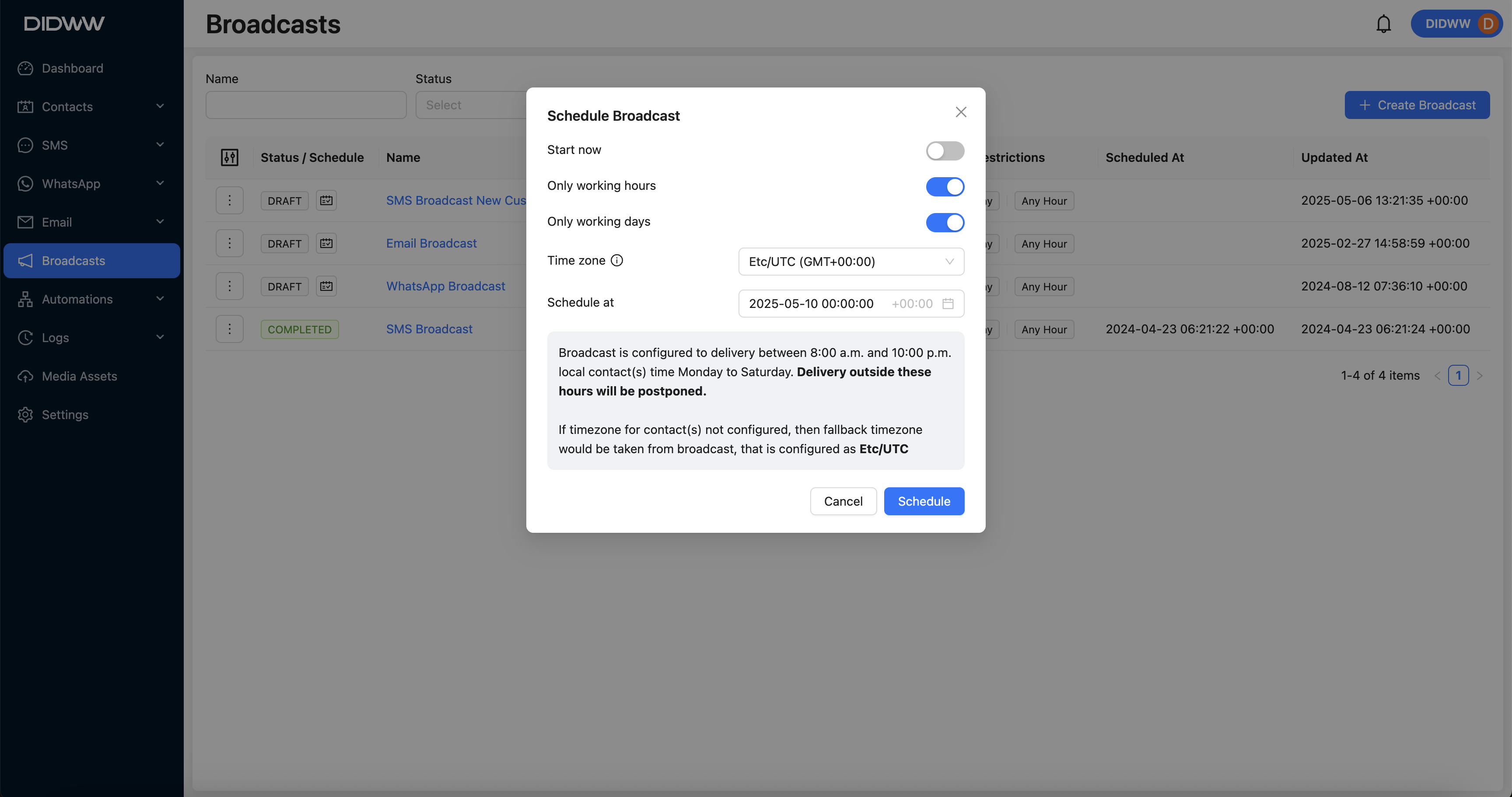
Fig. 1. Open Edit group#
Step 2: Perform changes#
In the Edit Capacity Group pop-up window, update Group name, Assigned shared Channels, or Assigned metered Channels.
Click Submit.
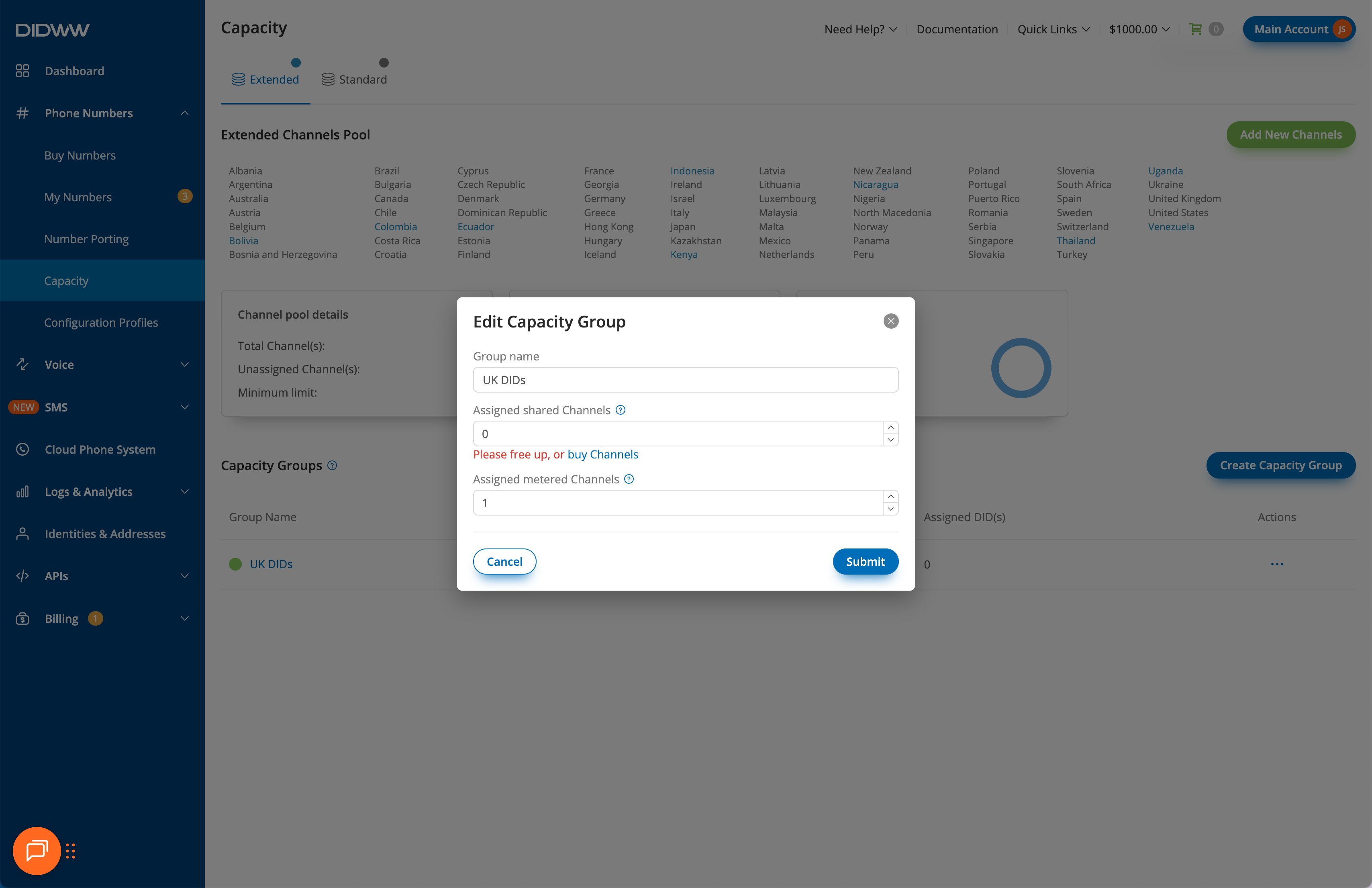
Fig. 2. Edit Capacity Group#