

Routing Settings#
The Routing page lets you choose how phone.systems™ handles long and short numbers dialed by users. Long numbers can be routed within phone.systems™ before an outbound call is attempted, while short numbers that are not configured internally can optionally be sent outbound.
These settings are useful when users dial both internal and external numbers. Routing long numbers within phone.systems™ prevents them from being sent outbound when they are intended for an internal number. Outbound fallback allows valid short external numbers to be called when they are not configured internally. Keep the fallback disabled if short numbers are used only for internal extensions, so that mistyped extensions are not sent outbound.
Use the Dial Plan to choose where phone numbers and internal numbers are routed. The settings on this page do not add or remove Dial Plan entries. They control when the Dial Plan is used and when a call is sent outbound.
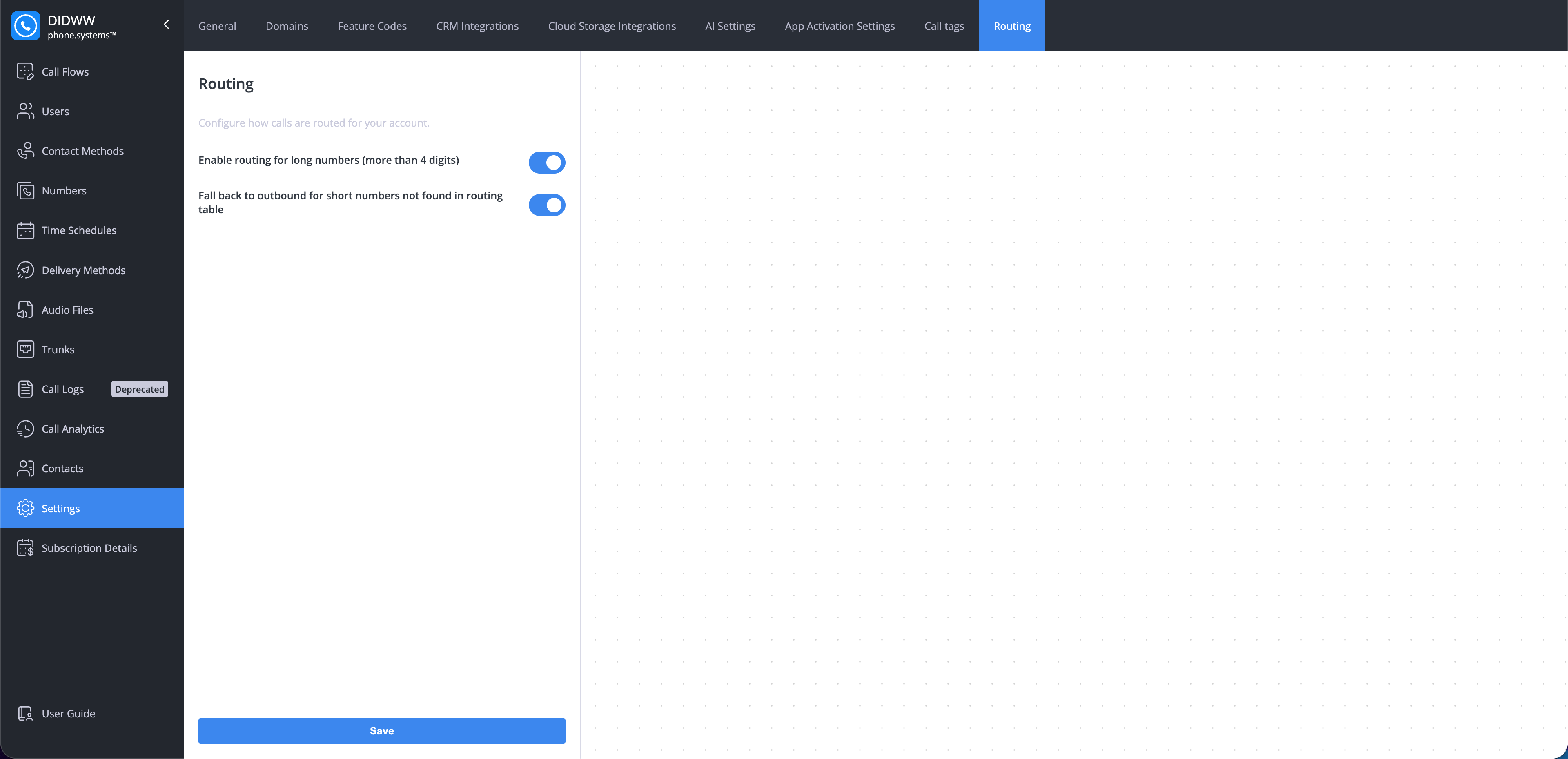
Fig. 1. Routing settings.#
Enable routing for long numbers#
This setting controls whether phone.systems™ checks long numbers (more than 4 digits) in the Dial Plan before sending calls outbound.
Enabled: phone.systems™ checks whether the dialed number has a Dial Plan entry. If no entry is found, the call is sent outbound.
Disabled: long numbers are sent outbound without checking the Dial Plan.
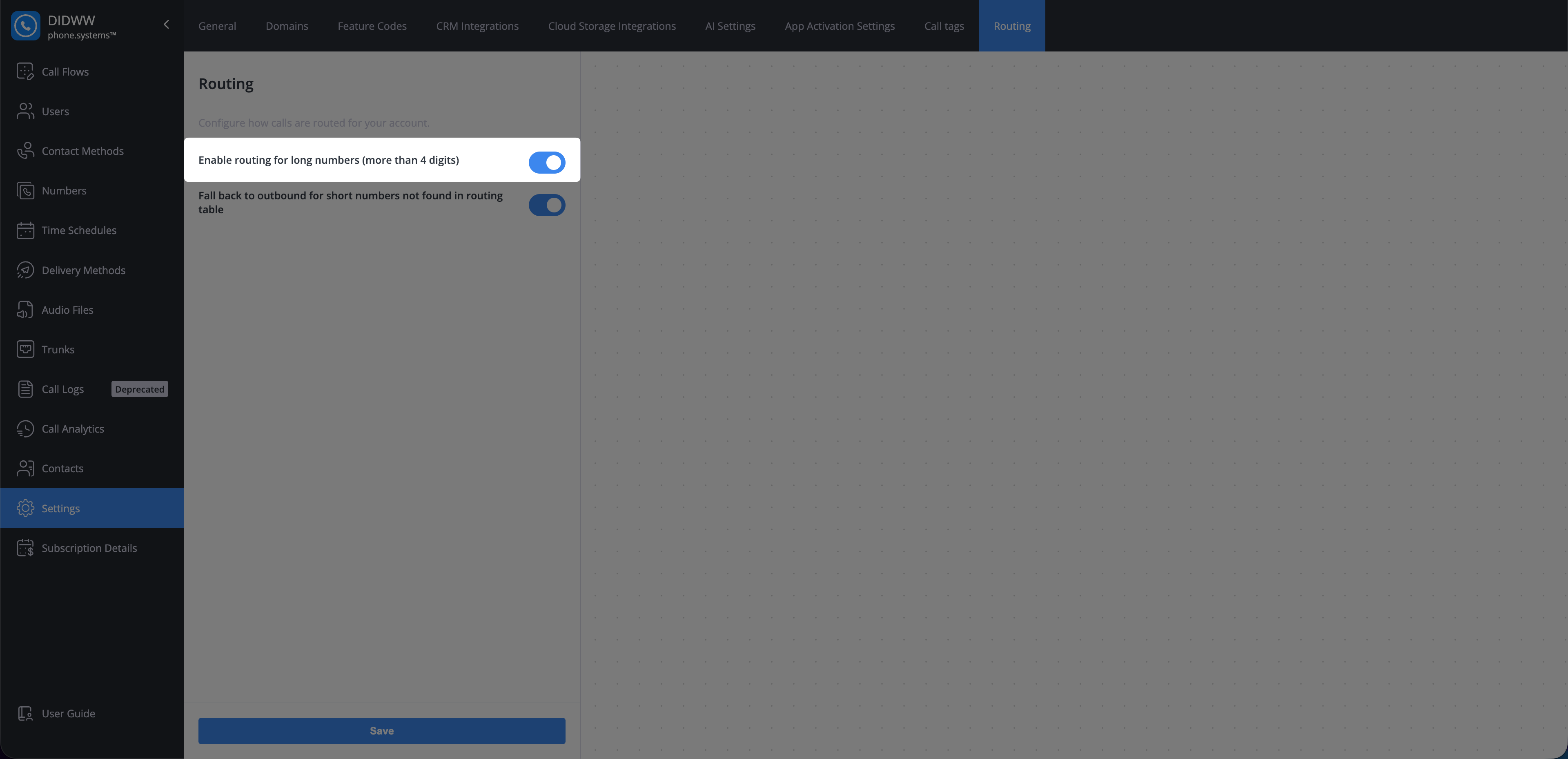
Fig. 2. Enable routing for long numbers.#
Fall back to outbound for short numbers not found in routing table#
This setting controls whether a number containing four digits or fewer is sent outbound when it does not have a Dial Plan entry.
Enabled: unmatched short numbers are sent outbound.
Disabled: unmatched short numbers are not sent outbound.
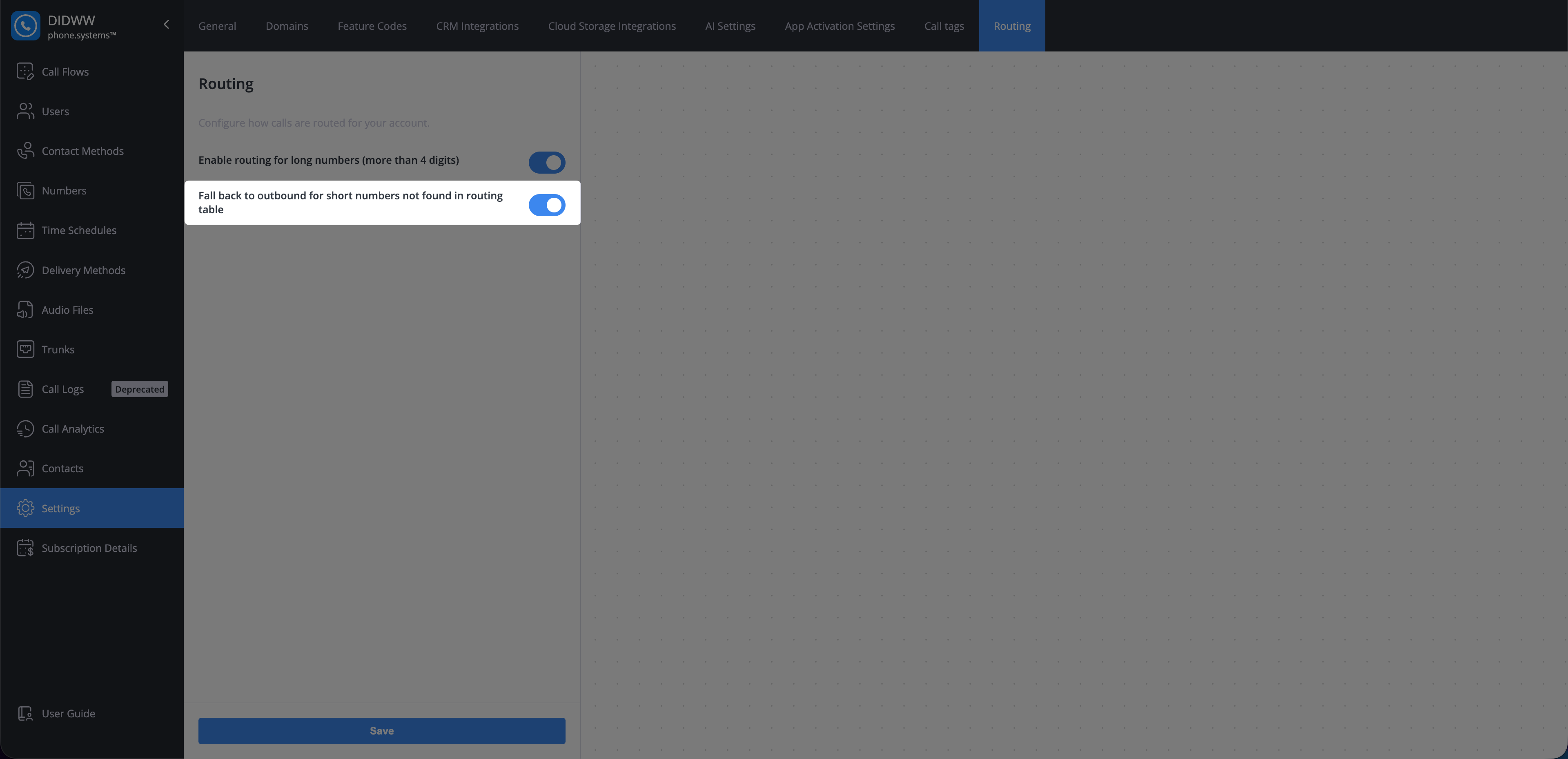
Fig. 3. Enable outbound fallback for short numbers.#
Enable or Disable Routing Settings#
To enable or disable the Routing settings:
In phone.systems™, go to Settings.
Open the Routing tab.
Turn the required setting on or off.
Click Save to apply the changes.
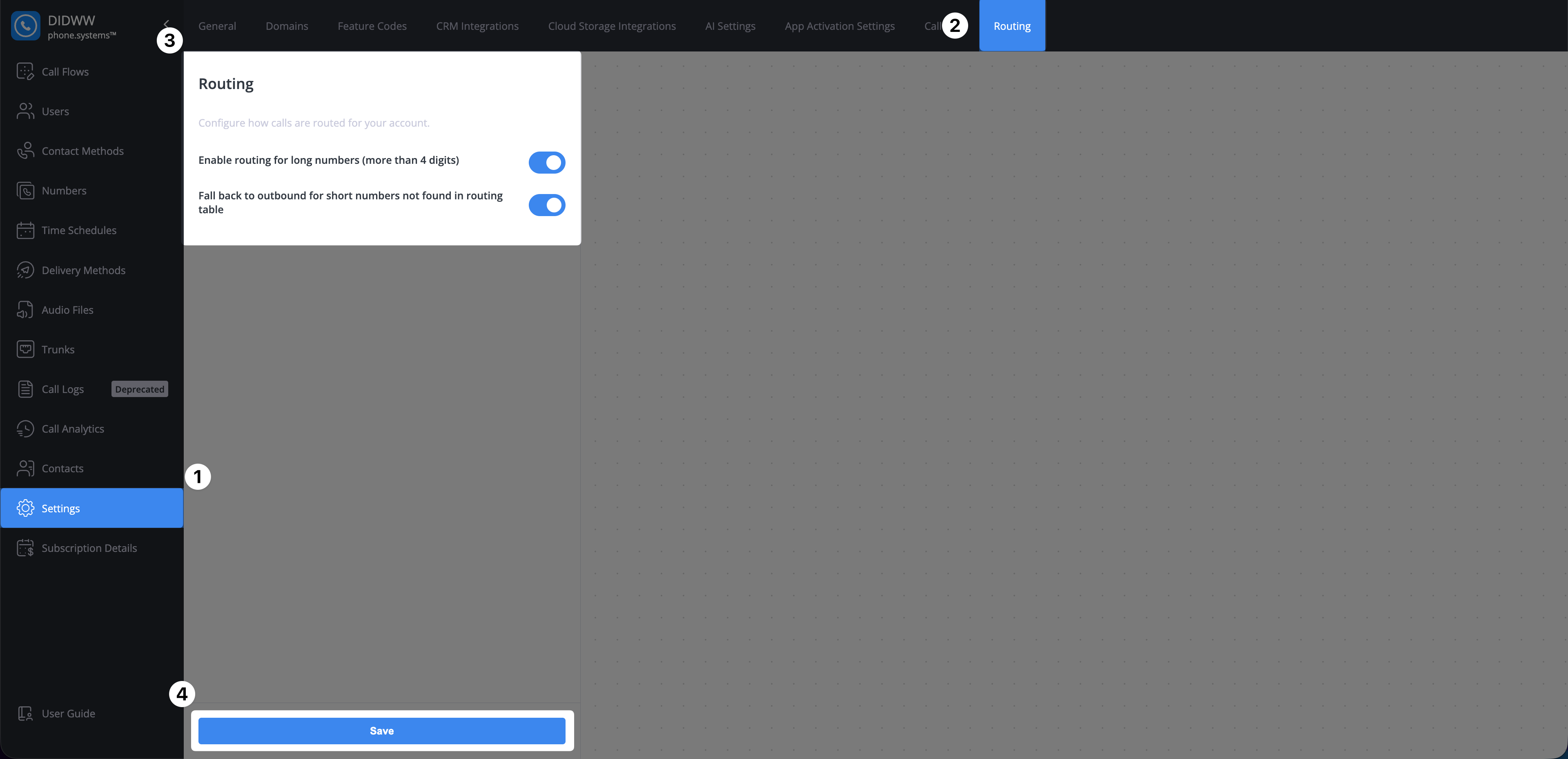
Fig. 4. Enable or disable Routing settings.#