

Object: Start#
The Start component is the entry point for calls routed directly to a Call Flow through the Dial Plan. Each Call Flow tab has one Start component. It is created automatically, and you cannot add another Start component or delete the existing one.
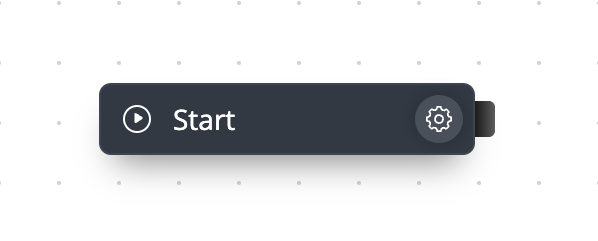
Fig. 1. Start component.#
How it works#
When a Dial Plan entry assigns a number directly to a Call Flow, calls to that number enter through Start. Connect Start to the first component that should handle the call.
Start cannot receive connections from other components. It can connect to any supported Call Flow component except Phone Number and Internal Number.
If you add a Phone Number object or Internal Number object to the Call Flow workspace, do not use Start for that number. Connect the Phone Number or Internal Number object directly to the first component instead.