

App Devices#
The App Devices section of the phone.systems™ interface allows you to download, review, and delete App Devices. The users will appear in the UI once the phone.systems™ application is activated on a device.
Fig. 1. App Devices Menu Overview#
User Interface Elements#
The main area displays a list of App Devices with the following columns:
Field |
Description |
|---|---|
User |
Displays the names of the users who have App Devices registered in the system. |
OS |
Shows the operating system used by each device. |
App Version |
Indicates the version of the application installed on each device. |
Date Created |
Shows the timestamp when each App Device was registered in the system. The format is YYYY-MM-DD HH:MM:SS. |
Downloading App Device Users#
To download existing App Device Users to a CSV file, click on the Download symbol at the top right of the UI.
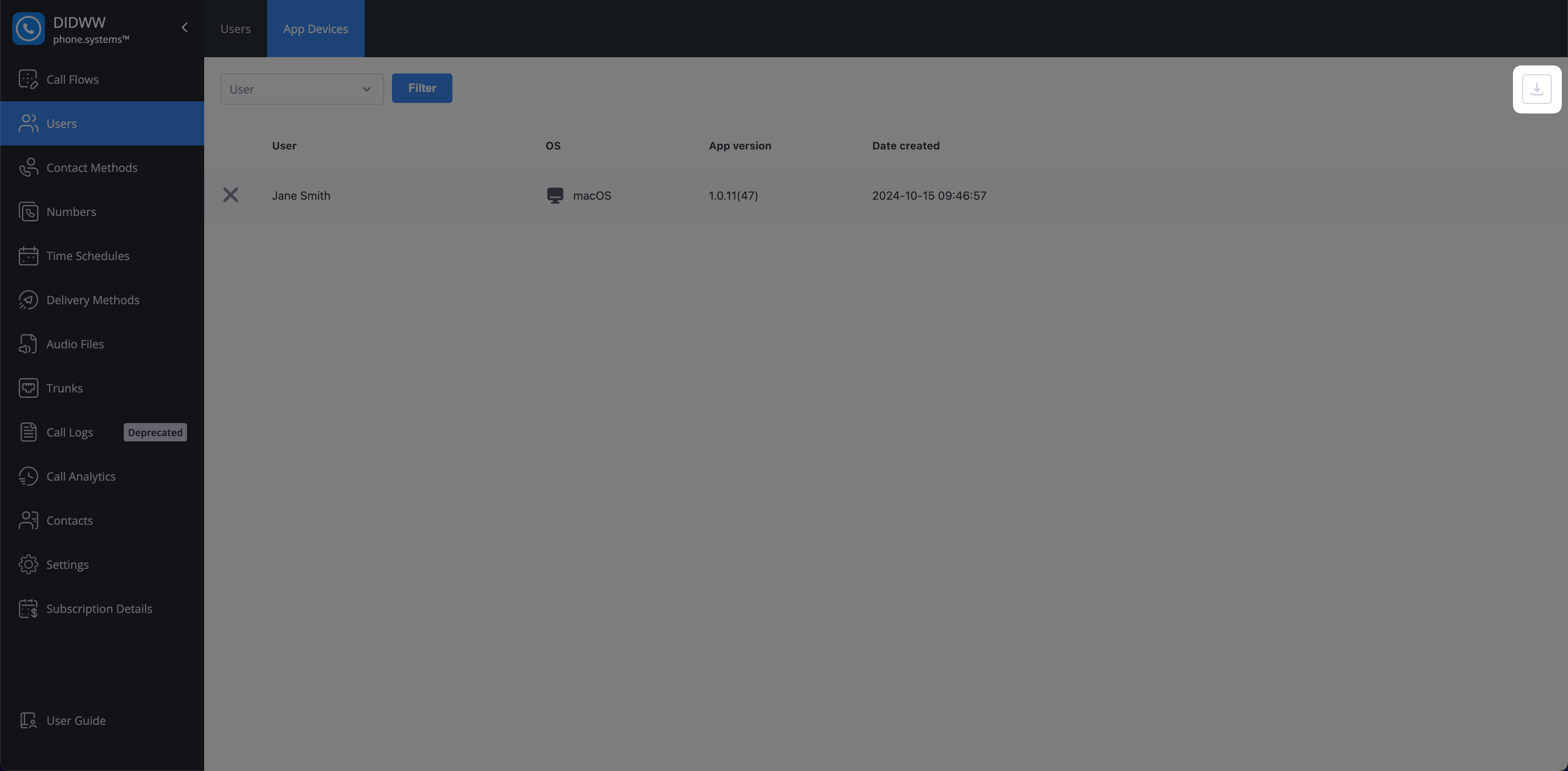
Fig. 1. Download Button#
A download pop-up screen will be presented. Select the file name and the location where the file will be saved and click Save.
Fig. 2. Downloading App Device Users#
Deleting App Device Users#
To delete an app device, go to Users > App Devices in phone.systems™ and click the  symbol on the right side of the active App Device.
Fig. 1. Delete App Devices#